Listening...
Say "Hey Aria" to start
"Good morning! It's 72°F and sunny today. You have 3 meetings scheduled. Would you like me to summarize them?"
Try saying:
"What's on my calendar?" • "Play some music" • "Set a reminder"
Designed for voice-first interactions with visual feedback for speaking, listening, and processing states.
Live demo
Say "Hey Aria" to start
"Good morning! It's 72°F and sunny today. You have 3 meetings scheduled. Would you like me to summarize them?"
Try saying:
"What's on my calendar?" • "Play some music" • "Set a reminder"
Designed for voice-first interactions with visual feedback for speaking, listening, and processing states.
2025+ Voice Era
Effects: Voice waveform visualization, listening pulse, processing spinner, speak animation
Paste this into Claude Code, Cursor, v0, Lovable or any coding agent to restyle a page in Voice-First Multimodal.
Apply the Voice-First Multimodal style to this interface.

What it is: Designed for voice-first interactions with visual feedback for speaking, listening, and processing states.
Look and feel: Voice UI, Multimodal, Audio feedback, Conversational, Hands-free, Ambient.
Colors: primary #FAFAFA, #6366F1, #9333EA; secondary #22C55E, #3B82F6.
Effects and motion: Voice waveform visualization, listening pulse, processing spinner, speak animation.

How to build it:
- Capture speech with SpeechRecognition or a cloud speech-to-text service; always keep a text input
- Make the central orb or waveform the main mic button (96px+), carrying idle, listening, processing and speaking states; any footer mic mirrors it
- Start idle and announce each state in aria-live status text; show listening only while recognition is actually running
- Fill the mic with the indigo-to-purple gradient in every state; use green only for the listening ring and blue for the processing spinner
- Draw the live waveform from a Web Audio AnalyserNode on a canvas, or animate CSS bars as a fallback
- Speak replies with speechSynthesis, mirror them as transcript bubbles, and give every voice action a tap equivalent; static ring under reduced motion

Works best for: Voice assistants, Accessibility apps, Hands-free tools, Smart home, Automotive UI.
Avoid it for: Visual-heavy content, Data entry, Complex forms, Noisy environments. If this product falls into one of those, say so before restyling.

Keep the existing content and layout. Restyle it with the colors above, and add the interactions described.
Meet WCAG AA contrast: where a palette color is too light or bright for text, keep it for backgrounds, borders and large display type and use a darker text color, rather than darkening the whole design. Keep visible focus states, give icon-only controls an accessible name (aria-label) and respect prefers-reduced-motion.
Rolling AI coding agents out across a team? Farad Labs runs hands-on AI training.
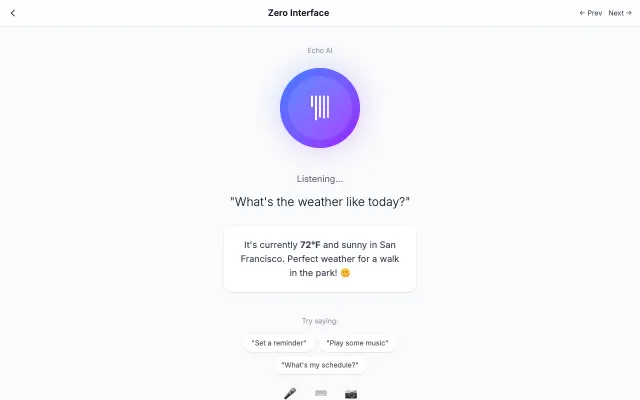
The interface disappears, leaving only content and context-aware interactions. Uses AI, voice, and gestures to anticipate user needs.
Futuristic & Tech
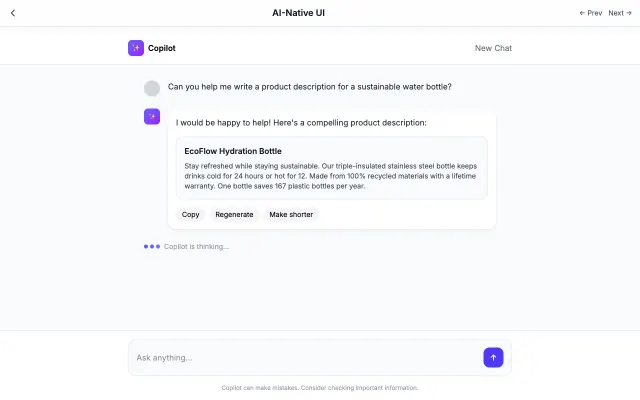
Designed specifically for AI interactions. Features conversational layouts, streaming text, and minimal interface chrome.
Futuristic & Tech
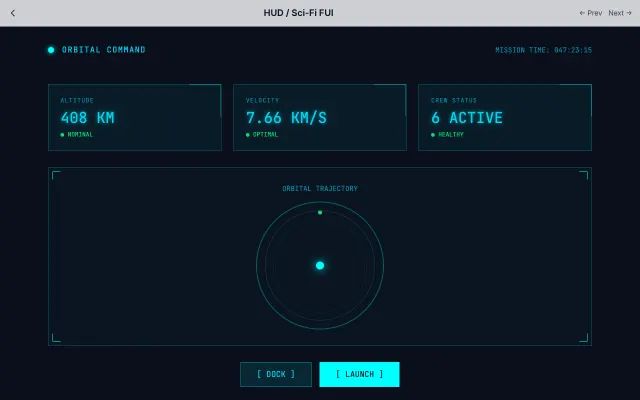
Inspired by movie FUI (Fantasy User Interfaces). Features thin lines, neon colors, and technical data visualization.
Futuristic & Tech
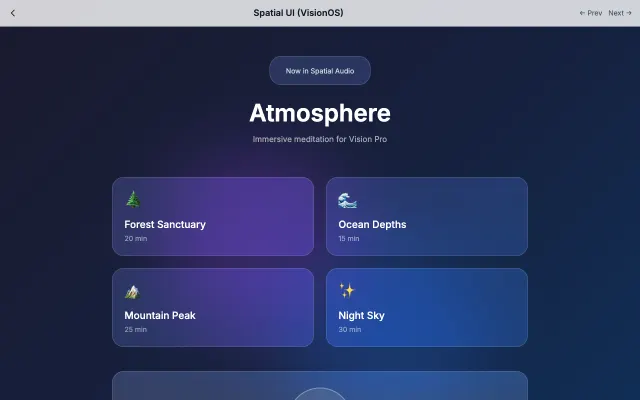
Designed for spatial computing with floating glass panels, depth effects, and gaze-based interactions.
Futuristic & Tech